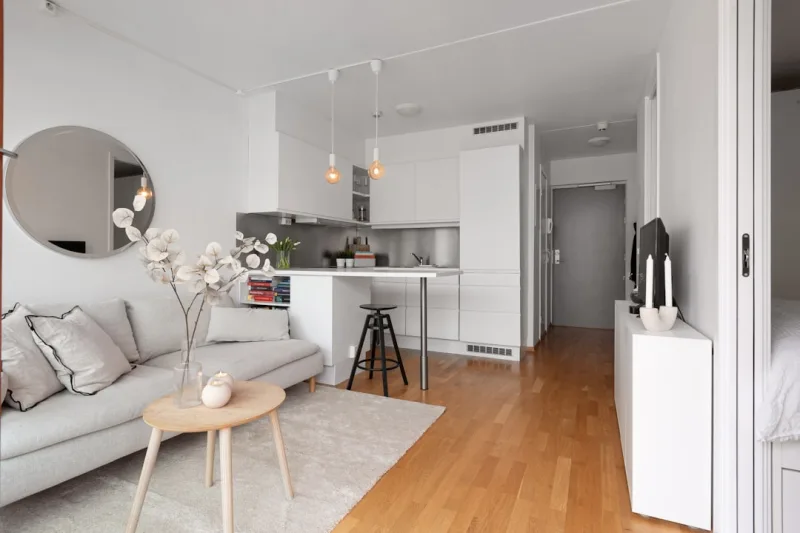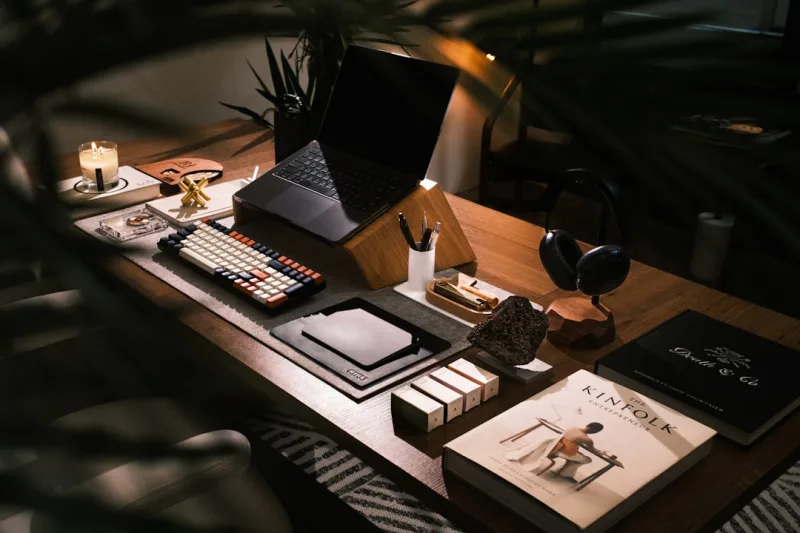
Creating Your Dream Aesthetic Home Office with Smart Home Gadgets
You know that feeling when you walk into a beautifully designed space and just... exhale? That's exactly what we're going for with your home office. Here's the thing — working from home doesn't mean settling for a basic desk in the corner of your bedroom. With the right blend of aesthetic design and smart technology, you can create a workspace that's not just Instagram-worthy, but genuinely productive and functional.
I've been redesigning home offices for years, and honestly, the sweet spot is finding that perfect marriage between style and smart functionality. You want your space to look intentional and calming — think soft lighting, cohesive color palettes, and thoughtful furniture placement — but you also want gadgets that actually make your workday easier. No fluff, no unnecessary tech. Just things that genuinely improve how you work.
The best part? You don't need to spend a fortune or completely overhaul your entire room. We're talking strategic investments in pieces and devices that'll transform your space into something you actually want to spend eight hours in every day.
What You'll Need
Before we dive into the setup process, let's talk about the essential pieces you'll want to gather. I've broken this down into categories to make shopping easier.
Furniture Essentials
- Ergonomic Office Chair — $150–$500 (Think Herman Miller vibes without the premium price tag)
- Minimalist Desk — $200–$800 (Wood or white laminate works beautifully)
- Floating Shelves — $30–$100 (Perfect for display and storage without cluttering the floor)
- Area Rug — $80–$300 (Defines the space and adds warmth)
Smart Home Gadgets
- Smart LED Desk Lamp — $40–$120 (Adjustable color temperature and brightness)
- Smart Speaker — $50–$200 (Amazon Echo, Google Home, or similar)
- Smart Thermostat — $150–$300 (Control room temperature without getting up)
- Smart Plug Strips — $20–$50 (Manage multiple devices remotely)
- Wireless Charging Pad — $15–$40 (Keep your phone powered without cable clutter)
- Smart Door Lock or Window Sensor — $100–$250 (Optional, but great for security)
Aesthetic Add-Ons
- Indoor Plants (Real or High-Quality Faux) — $20–$80 (Air-purifying and calming)
- Wall Art or Floating Frame Set — $30–$150 (Pinterest-worthy inspiration)
- Decorative Desk Organizer — $25–$80 (Keep supplies tidy and styled)
- Monitor Stand with Storage — $30–$100 (Lifts your screen to eye level)
Step-by-Step Guide
Step 1: Choose Your Color Palette and Design Theme
This is honestly the most important step, and I see people skip it all the time. Before you buy anything, decide on your aesthetic. Are you going for minimalist Scandinavian? Warm and cozy farmhouse? Modern industrial? Browse Better Homes & Gardens & Gardens or HGTV online for inspiration that speaks to you. Pick two to three core colors — maybe soft white, warm beige, and sage green — and stick with them throughout the room. This cohesion is what makes a space feel intentionally designed rather than randomly assembled.
Step 2: Arrange Your Furniture Layout
Start by placing your desk where you get the best natural light — ideally near a window, but facing away from it to avoid screen glare. Position your chair so you have back support and good ergonomics. Leave walking space around the desk. Trust me, cramped spaces feel stressful. If possible, position your desk so you can see the door without twisting around. It sounds weird, but it actually reduces anxiety during the workday.
Step 3: Layer Your Lighting
This is where smart gadgets really shine. Install your smart LED desk lamp for task lighting — position it to the side of your monitor to reduce eye strain. Add ambient lighting with a smart bulb in an overhead fixture or a corner lamp. Here's the pro move: set your smart lighting to warm white (2700K) in the afternoon and cooler white (5000K) in the morning to support your circadian rhythm. You can program this through your smart speaker, which makes it completely hands-free.
Step 4: Set Up Your Smart Ecosystem
Connect your smart devices through one central hub — most people use Amazon Alexa or Google Home. Start with your smart lamp and smart plugs, then add your thermostat. Download the respective apps and create routines. For example, create a "Morning Focus" routine that adjusts lights, temperature, and maybe plays lo-fi music through your speaker. One voice command and your entire office is ready for work. It's not just convenient — it's genuinely mood-shifting.
Step 5: Add Plants and Wall Decor
Add greenery in corners or on shelves. Pothos and snake plants are virtually indestructible if you're not a plant parent yet. Hang some wall art that aligns with your color palette. The The Home Depot actually has a solid selection of art prints and wall decor these days. Keep it minimal — you want visual interest, not chaos.
Step 6: Organize with Style
Use your desk organizer, monitor stand, and floating shelves to keep cables hidden and supplies accessible. Invest in matching storage boxes or beautiful desk trays. Clear desk syndrome is real — a clean, organized space genuinely improves focus and creativity.
Pro Tips
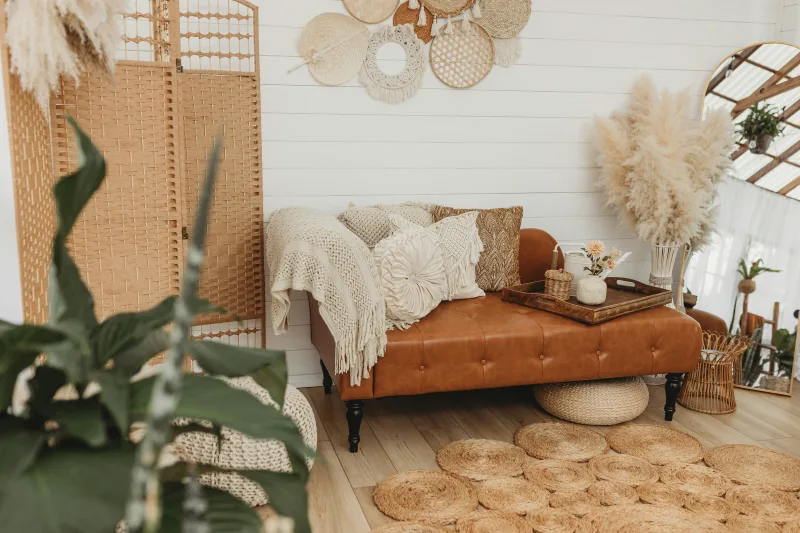 Budget Apartment Renovation: DIY Hacks That Actually Work
Use wireless charging pads and smart plugs to eliminate cable clutter. Seriously, cables are the enemy of an aesthetic space. Group your smart plugs together, hide the cords behind your desk, and you've instantly elevated the whole vibe.
Invest in a quality monitor arm. It lifts your screen to eye level, opens up desk real estate, and looks sleek. Pair it with a monitor stand that has built-in storage underneath, and you've solved two problems at once.
Create a "focus mode" through your smart speaker. Program your smart lamp to dim, your thermostat to cool slightly, and maybe start a focus playlist. Having a ritual that triggers focus is worth way more than the cost of the gadgets.
Don't go overboard with smart gadgets. Honestly, the coolest home offices I've seen aren't drowning in tech. Pick gadgets that solve real problems — lighting, temperature control, organization. Skip the novelty stuff.
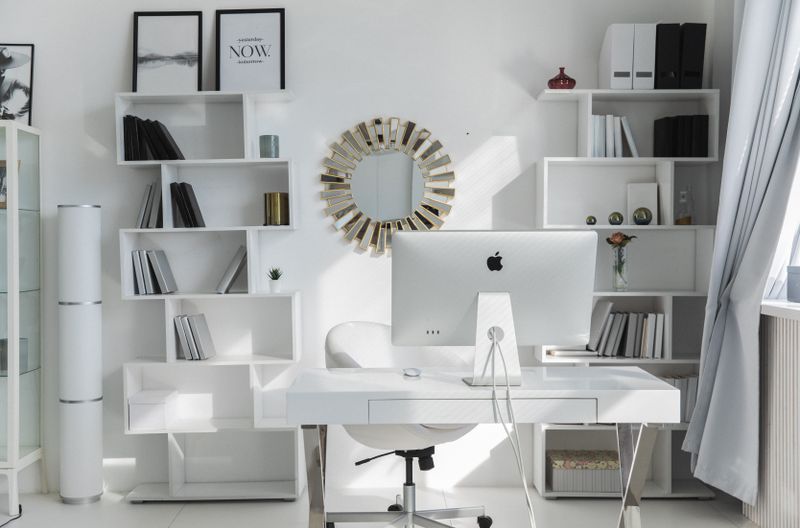
Layer textures to add depth. A soft area rug, wooden desk, metal shelving, and fabric chair create visual interest without looking chaotic. This is what separates an "okay" room from a genuinely beautiful one.
Cost Breakdown
← Scroll to see full table →
| Category | Item | Price Range |
|---|---|---|
| Furniture | Desk | $200–$800 |
| Furniture | Office Chair | $150–$500 |
| Furniture | Floating Shelves | $30–$100 |
| Furniture | Area Rug | $80–$300 |
| Smart Gadgets | Smart Desk Lamp | $40–$120 |
| Smart Gadgets | Smart Speaker | $50–$200 |
| Smart Gadgets | Smart Thermostat | $150–$300 |
| Smart Gadgets | Smart Plug Strips | $20–$50 |
| Decor | Plants and Wall Art | $50–$230 |
| Decor | Desk Organizers | $25–$80 |
| Total Estimated Cost | $835–$2,680 | |
Note: You don't need to buy everything at once. Start with furniture and essential lighting, then add smart gadgets gradually. This approach spreads costs and lets you see what you actually need.
FAQ
Q: Do I really need a smart thermostat for my home office?
A: Honestly? It depends on your situation. If you're sharing climate control with the rest of your home and everyone has different comfort preferences, it's a game-changer. You can set your office to your ideal temperature without affecting everyone else. It's also great for energy savings — you're not cooling or heating your entire house when you just need your office comfortable. That said, if you have a separate system or don't struggle with temperature, it's not essential.
Q: Can I make an aesthetic office work in a small space?
A:
📷 Photo by LOGAN WEAVER | @LGNWVR on Unsplash